Make your product photo listing-ready
A clean white background, balanced light, cropped to 1:1 and 4:5 — and the item stays exactly as you photographed it. No signup for your first 3 images, no watermark.
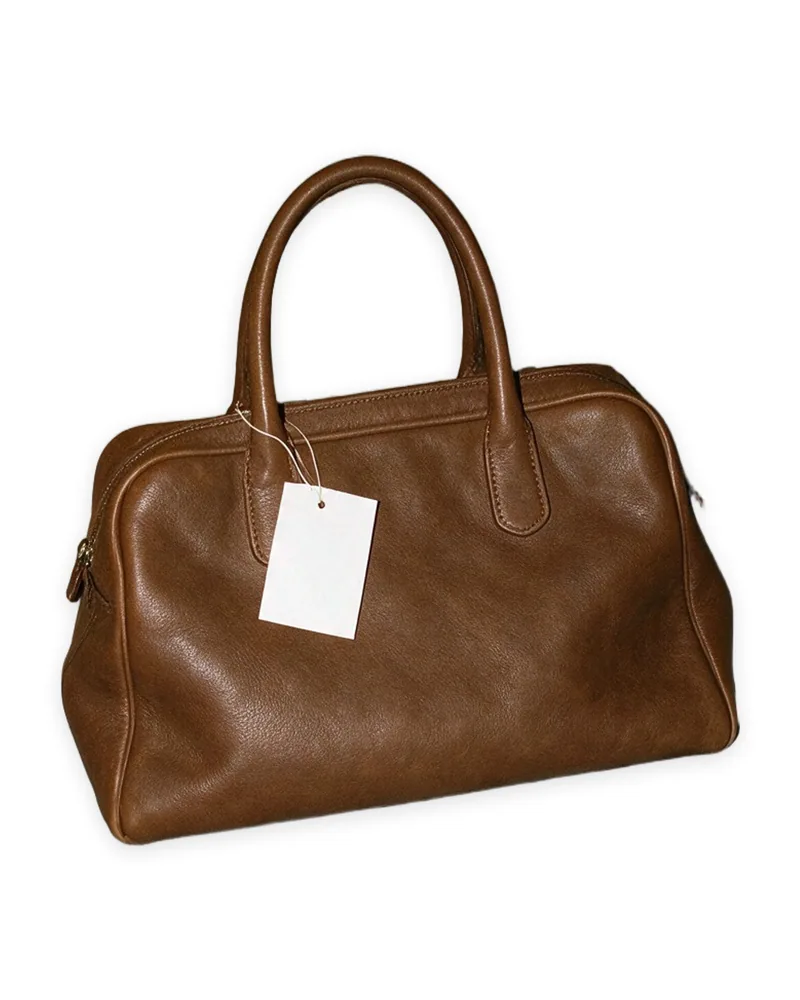
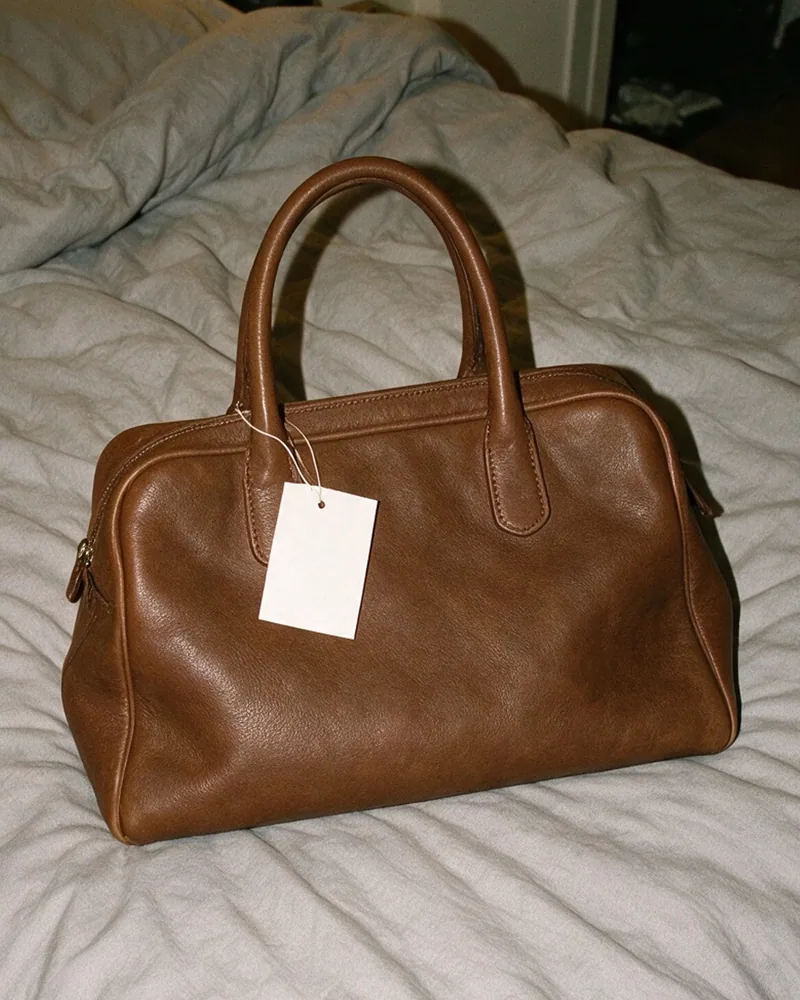 BeforeEnhanced
How it works
- 1
Drop a photo of your item — on a hanger, laid flat, on a chair. A phone photo is fine.
- 2
We lift the item off its background, balance the light and colour, and place it on white in a square and a 4:5 frame.
- 3
Download both listing photos — or put the item on a professional model in one click.
Built for marketplace sellers
Clean product photos are the difference between a scroll-past and a sale. This tool is tuned for clothing and accessories — the photos indie sellers actually list.
DepopVintedPoshmarkEtsyShopifyGrailedeBay
FAQ
- What does the product photo enhancer do?
- It takes the photo you already have and turns it into a listing photo: the background becomes clean white, the light and colour are balanced, and the item is centred and cropped to the two shapes marketplaces use most — 1:1 and 4:5.
- Does it change my item?
- No. Nothing is redrawn or generated — the item in the result is made of the pixels from your own photo. Labels, tags, wear and marks stay exactly as they are, which is what an honest listing needs.
- Is it free?
- Yes — 3 images free with no account, and a free account adds more. No watermark.
- How is it different from the background remover and the upscaler?
- The background remover gives you a transparent cutout to place wherever you like. The enhancer gives you the finished listing photos on white. The upscaler is for small or blurry images — a phone photo is already sharp enough and doesn't need it.
- What photos work best?
- The whole item in the frame, in decent light — on a hanger, laid flat, or on a chair. A phone photo is fine.
- Can I use the results in my shop?
- Yes — commercial use is included for Depop, Vinted, Poshmark, Etsy, Shopify, or anywhere else you sell.